Add public YouTube video URLs to a Cloudglue collection.
YouTube URLs are processed as audio only. For full video analysis including visual descriptions, add the original video file via Local Files or a data connector instead.

Add on the dashboard

From the Data Connectors page, click YouTube under Other Sources. Paste one or more YouTube URLs, pick a collection, and add them.
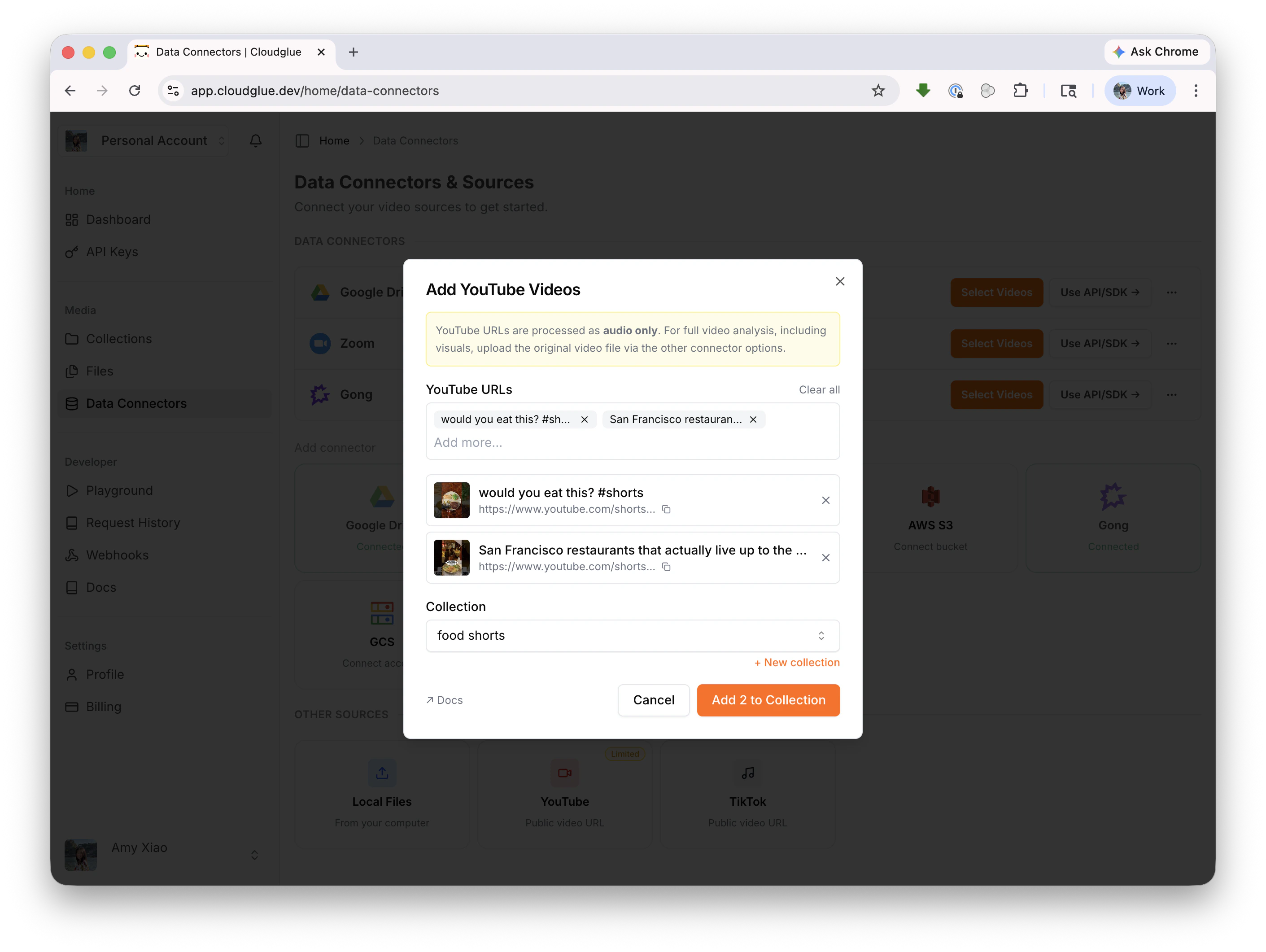
Add YouTube videos modal

Add with the API/SDK

const result = await client.collections.addVideoByUrl({
  collectionId: 'my-collection-id',
  url: 'https://www.youtube.com/watch?v=dQw4w9WgXcQ',
  params: {},
});
See Add YouTube Video to Collection for the full API reference.